MKV video converter tool
MakeMKV is a premium video program developed by GuinpinSoft Inc. It’s a conversion tool that lets users convert proprietary DVD or Blu-ray videos to the popular, open-source Matroska Video(MKV) file format. It’s pretty straightforward to use, and newcomers can even avail themselves of the free trial offer to experience it firsthand before deciding on a purchase.
Top Recommended Alternative

Highly versatile video format
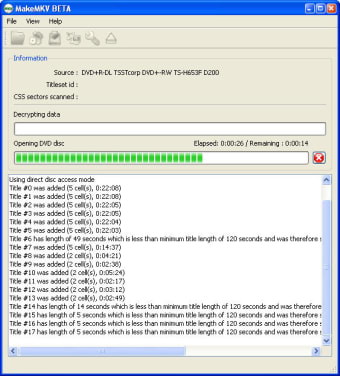
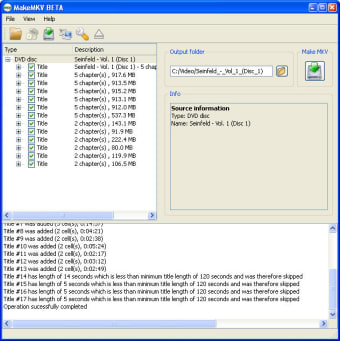
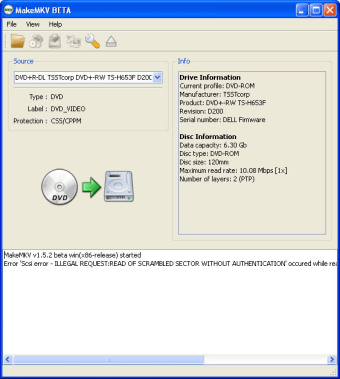
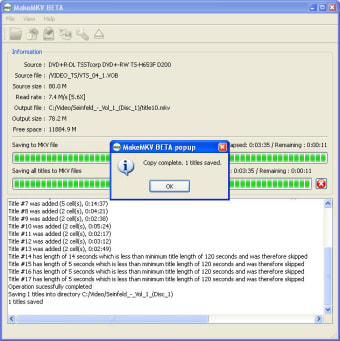
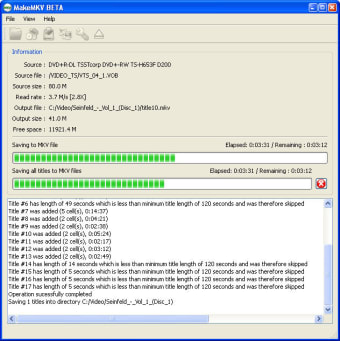
In a word, MakeMKV is a tool for converting proprietary DVD or Blu-ray video formats into MKV format video files. To get started, insert your disc into your computer, and you will see a breakdown of its content. From there, select which video and audio stream you want to convert, with options to include subtitles, chapter information, and other metadata.
Alternatively, you can use this tool to stream decrypted videos to your favorite player on any device, without conversion, which is ideal if you just want to watch them. It does lack advanced editing features for those that need them, and the resulting uncompressed video files are large in size, taking up a lot of storage space.
Alternate form for physical media
All in all, MakeMKV is a handy utility that lets you convert your DVD or Blu-ray collection, so you can watch them on your favorite players on any device you prefer. It’s pretty simple to use, and you can always just stream the content if you’re worried about storage space. Nevertheless, it gets a recommendation and is worth checking out.